Let's build a Vacation Terminal so you can travel the globe with all of your friends!

Benefits
- New way to earn XP!
- Social experience for you and your friends!
- Earn exclusive rewards for mastering Vacation Planes!
Summary FAQ
- Q: When does this feature unlock?
A: This feature is available to players Level 32+ and own an Airport in your City.
- Q: Where do I buy Vacation Airplanes?
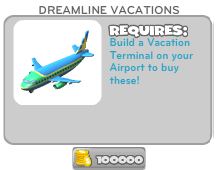
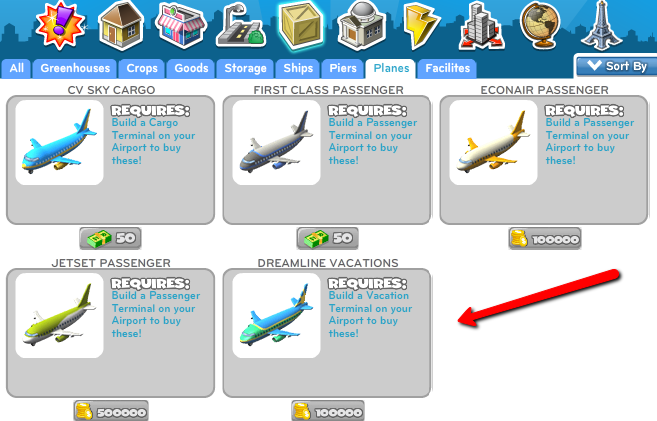
A: The Airplanes can be purchase in the Build Menu. They can be found under the Storage Tab ----> Planes.
- Q: Do I need to build my Vacation Terminal before I can send Vacation planes?
A: Yes, you must have a completed Vacation Terminal before you can send Vacation planes.
- Q: Where can I find the destinations to send my Vacation Planes?
A: Once you have completed your Vacation Terminal and placed a Vacation Plane you will receive a plane icon above your Vacation Terminal. Click on the icon and it will show you the different destinations you can send your planes.
- Q: I completed the first Vacation Terminal quests and can't find my Airport Shuttle in my inventory?
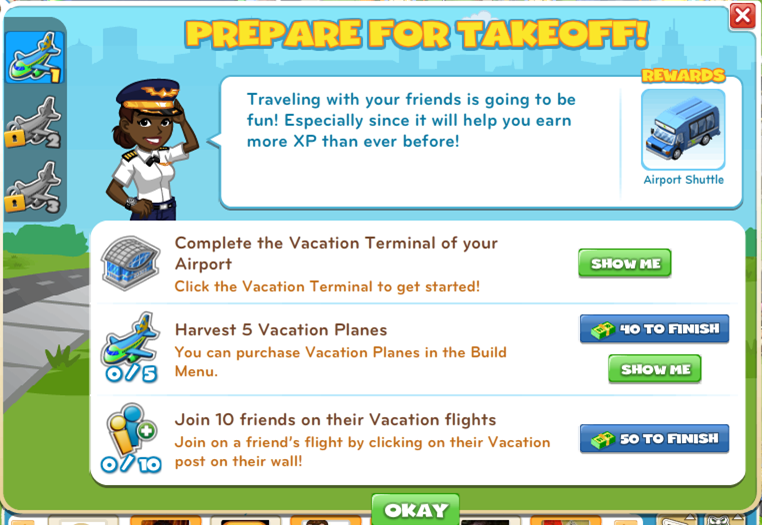
A: This reward will not be found in your Inventory. If you own a Garage or Custom Car shop this car will be found driving around your City.
- Q: When is the last Airport terminals coming?
A: Soon
Step by Step Guide: Building Your Vacation Terminal
- Once you have reached level 32 and already own an Airport you will will see the following quest icon and receive the quest to build your Cargo Terminal in your Airport.

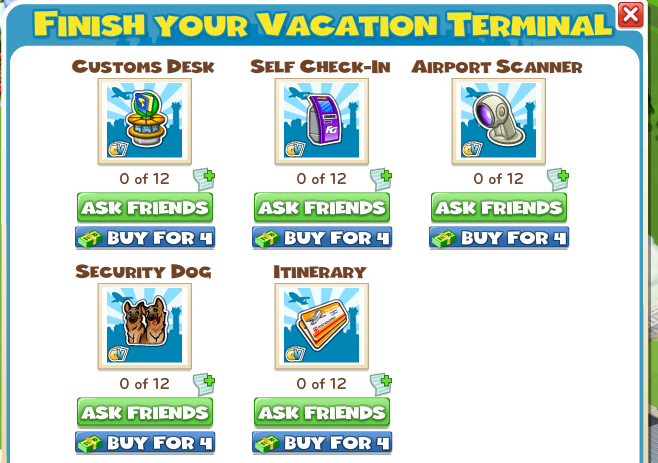
- Clicking on your unfinished Vacation Terminal will bring up the list of materials you will need to finish it. You can get these by sending requests to your friends and posting requests to your feed, as well as by purchasing them with City Cash.
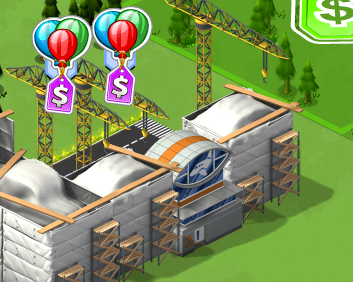
- Once you have gathered all the parts, just click on "Finish Building" to finish building your Cargo Terminal.
[
Step by Step Guide: Sending Vacation Planes
- After you have built and completed your Vacation Terminal you will earn the ability to send Vacation Planes. However, first you must purchase a Vacation Plane. Visit the Build Menu, under the Storage Tab.
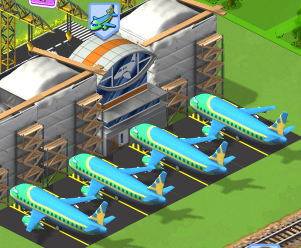
- Once you have placed your plane you will then see a plane icon appear and will be able to choose a destination to send your plane. To send a plane, click on the plane.
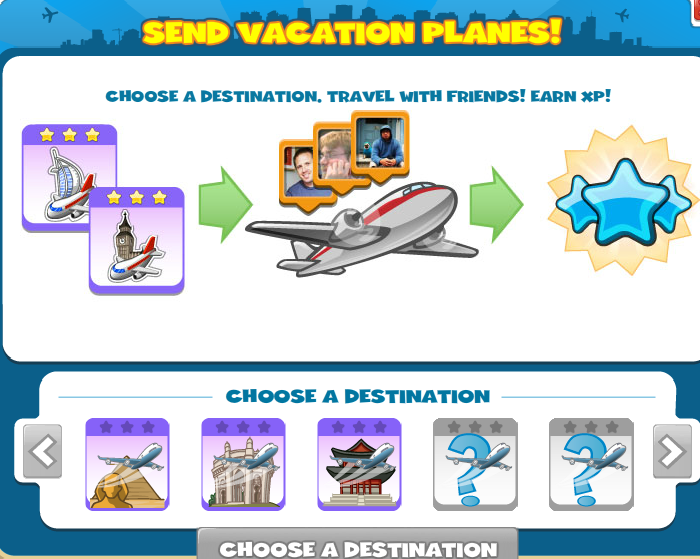
- Select a destination that you desire by hovering over locations or clicking on them to read their descriptions and click "Choose Destination" and send your plane into the sky!
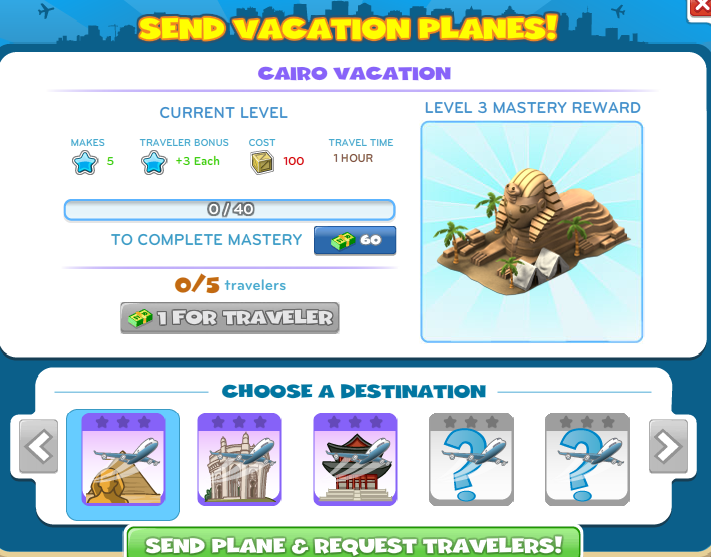
- Continue to send these Vacation Planes to Master each destination to receive the exclusive Mastery Rewards.
Step by Step Guide: Vacationing with Friends
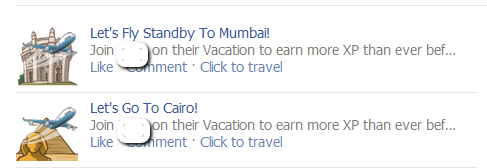
- Traveling is more fun with others! To ask your friends if they want to travel too click on "Send Plane and Request Travelers". This will put a Wall Post on your profile.

- Don't forget to join your friends on their travels as well! Keep your eyes out for your friends posting about their Vacation flights as well. Click on the "Click to Travel" to join in on their flights and get rewarded!


No comments:
Post a Comment